Listening skill in a foreign language rarely jumps after a brand new lesson. It jumps on the tenth replay of a forty second clip, when a sentence that sounded like noise on Monday separates into clear words by Friday. The improvement feels sudden, but nothing sudden happened. The ear finally received enough repetitions of the same sounds to stop guessing.
Most listening practice works against that simple fact. Apps and video platforms feed an endless stream of fresh material, and each clip gets heard once before the next one arrives. Novelty feels productive, so the habit survives, yet the ear never stays with one passage long enough to learn how it actually sounds. Real speech is fast, words lean into each other, endings get swallowed, and a single pass leaves all of that blur exactly where it was.

Why the same short clip keeps teaching
During a first listen, most of the effort goes into meaning. The brain scrambles to decode vocabulary and grammar, and fine detail slips past unheard. On the second and third listen, the meaning is already known, so attention is free to wander toward the sound itself. Stress patterns surface. Pauses land where they should. A phrase that arrived as one long blob begins to show its seams.
Connected speech is where this repetition pays off most. Words in natural speech rarely arrive one by one with clean edges. Sounds merge, weak syllables shrink, and familiar words disguise themselves inside a stream. A learner can know a word perfectly on paper and still miss it in conversation for months. Hearing the same sentence ten times removes every variable except the sound, and the ear recalibrates against the real version instead of the imagined one.
After enough replays, the mouth wants to join in. That urge marks the start of shadowing, the practice of speaking along with a voice at a slight delay, matching its rhythm and tone. Pronunciation improves through this copying because the body learns timing before the mind finishes analyzing rules. A short saved clip supports a simple loop that covers all of it.
- Listen once without reading anything, and catch only the general meaning.
- Listen again with the text open, and mark the places where the sound and the spelling disagree.
- Play the clip and speak along with it, quietly at first, then at full voice.
- After a few days, play the clip once more and check what the ear still misses.
Gemini reads aloud, and the material matches the weakness
Gemini answers questions in text, and its read aloud feature speaks those answers in many languages at a natural pace. The useful part for a learner is control over the material. Instead of generic listening exercises built for everyone, a request can produce a short dialogue at a pharmacy, a weather report, a plain explanation of a confusing grammar point, or a mock exchange from a job interview. The passage arrives together with its own text, which makes the practice loop above possible without hunting for a transcript somewhere else.
Weakness in listening is usually specific. One learner loses numbers and prices. Another follows slow speech but falls apart during small talk. A third understands lessons yet freezes on the phone. Generic courses spend weeks walking around these sore spots. A clip generated for one exact situation lands directly on it, and a library built from such clips grows in the direction the learner actually needs.
How to save Gemini read-aloud audio as MP3
The read aloud voice plays inside the browser tab, and that sound can be captured before the moment passes. AloudSaver is a Chrome extension built for this job. It listens inside the tab, catches the audio as Gemini plays it, and saves the result as an MP3 file on the computer. The capture and the processing happen inside the browser, and the audio never gets uploaded to a server, which keeps private study material private.
- Open Gemini and ask for the passage to practice, keeping it short.
- Press the read aloud control on the answer and let the voice play through.
- Open AloudSaver in the same tab and download the captured audio as an MP3.
- Rename the file with its topic and date, so the growing library stays searchable.
Using the extension starts with a Google sign in. The free plan covers five downloads a day, enough for a small daily set of clips. The Pro plan removes the limit at $5 a month, $24 for six months, or $39 a year, and it adds batch saving, so a whole conversation can come down as a single ZIP file. The interface itself works in five languages, English, Vietnamese, Korean, Japanese, and Simplified Chinese.
A library built around weak spots
A folder of random saved clips goes stale within weeks. A library organized by weakness keeps working for years. Folders named after difficult situations, such as hearing prices, catching names on the phone, following meeting small talk, or understanding instructions at the dentist, give every new clip a clear home. Each folder only needs a handful of short passages, and the whole collection stays small enough to rotate without effort.
Review matters more than size here. A clip replayed after three days reports honestly on memory. The sentence that still blurs is the sentence that deserves another week, while the sentence that arrives clean can retire. Saved files beat streaming for this kind of review because the same clip waits in the same place, offline, without searching, ads, or an algorithm suggesting something newer and easier.
Ten clips heard once are entertainment. One clip heard ten times is training, because the ear only starts learning after the surprise wears off.
Practice that fits into a commute
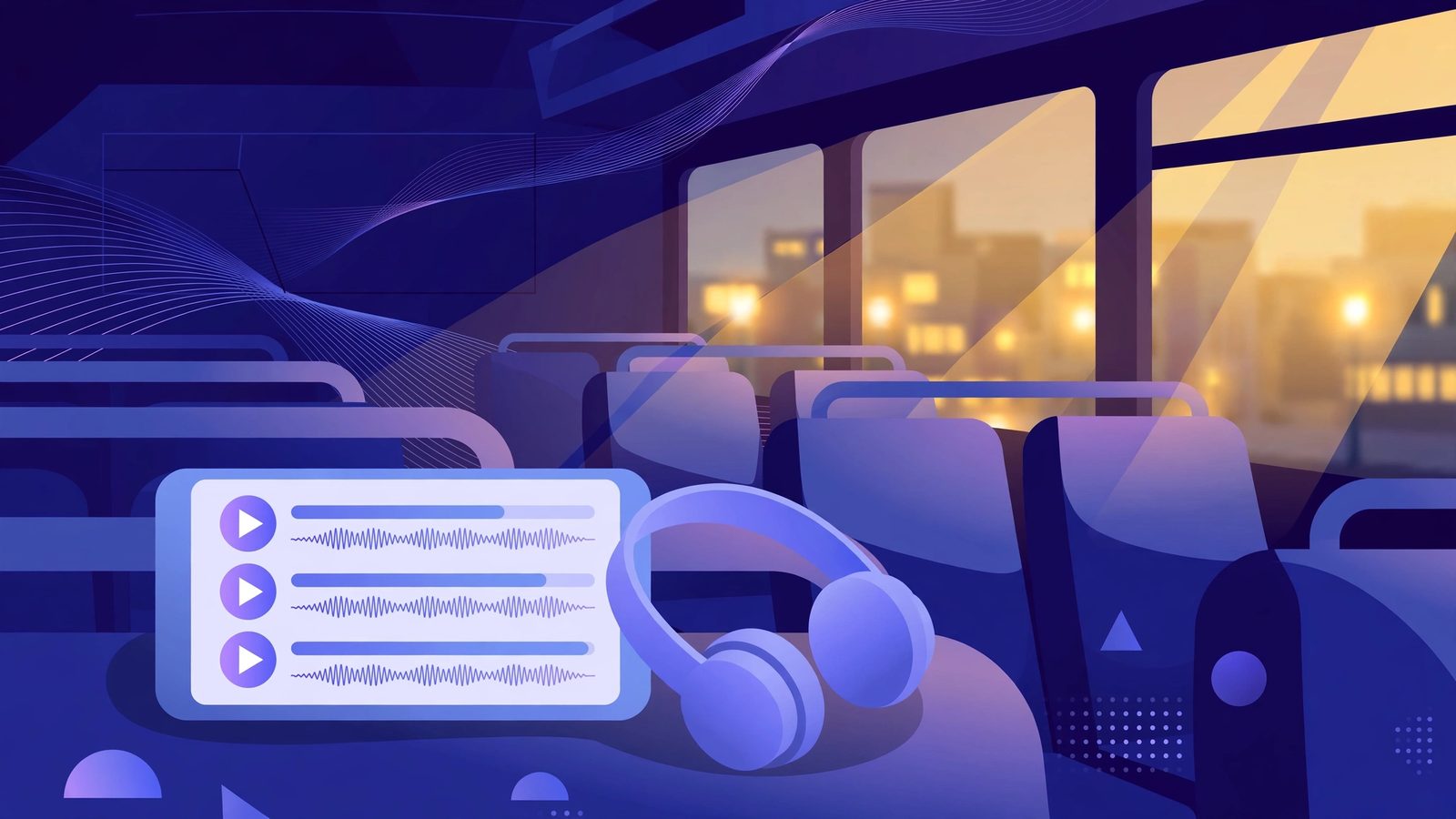
An MP3 file lives on the phone and plays without a connection, so the library travels anywhere. A bus ride, a train platform, or a walk to buy coffee becomes a replay session with no setup and no streaming cost. The same three clips can ride along for a whole week of commutes, sounding a little clearer each day, until the sentences feel almost slow.
Movement suits this kind of practice. The ears stay busy while the hands and eyes handle the street, and short clips fit the odd gaps of a day that longer lessons never survive. Five spare minutes with a familiar clip accomplish more than a planned hour that keeps getting postponed. Over a month, those fragments accumulate into the largest block of listening time many learners have ever managed.
Mistakes that quietly stall progress
Most failed listening routines share the same few patterns, and each one is easy to correct once it has a name.
- Hearing a clip once and moving on. A single pass builds familiarity with the topic rather than with the sound. The learning lives in the repeats, and skipping them discards the entire point of saving the file.
- Saving passages that run for several minutes. Long clips bury the hard sentence inside easy ones, and replaying them feels like homework. The habit usually dies within days, taking the library down with it.
- Never returning after a few days. Without a delayed replay, there is no honest test of what actually stuck. Forgotten clips pile up and create a comforting illusion of progress.
- Collecting files faster than they get practiced. A download folder is not a skill. Twenty saved clips with no rotation lose to five clips in active use every single week.
- Treating background listening as the whole method. Passive listening keeps the language nearby and does some good, but the ear sharpens during the focused rounds with the text open and the voice joining in.
Questions learners ask
Can Gemini read answers aloud in languages other than English?
Yes. Gemini speaks its answers in many languages, and the learner controls the source text through the request itself. Practice material can be a dialogue, a short story, an explanation, or a set of example sentences in the target language, pitched at a comfortable level.
What does AloudSaver cost to use?
The free plan allows five downloads a day after a Google sign in. The Pro plan costs $5 a month, $24 for six months, or $39 a year, and it removes the download limit while adding batch saving of a whole conversation as one ZIP file.
Does the audio get uploaded to a server?
No. AloudSaver captures the sound inside the browser tab and processes it there, then saves the MP3 straight to the device. Lessons built from personal material, work topics, or exam preparation stay on the machine that made them.
How long should a practice clip be?
Short enough to replay many times without resistance. A passage that takes under a minute to speak works well for most learners, since every part of it gets attention across the replays. Longer material can be split into sections and saved one piece at a time.
Start with one weak spot this week
Pick the single situation where listening fails most often, whether that is prices at a market stall, names over the phone, or the first minutes of a meeting. Ask Gemini for a short dialogue set in that situation, press read aloud, and save the audio as an MP3. Carry that one clip through the week, on the commute and in the quiet minutes at home, speaking along once the rhythm feels familiar. Test it again after a few days and listen for what changed. One clip treated this way recalibrates what the ear expects from the language, and the library that follows grows from proof rather than hope.